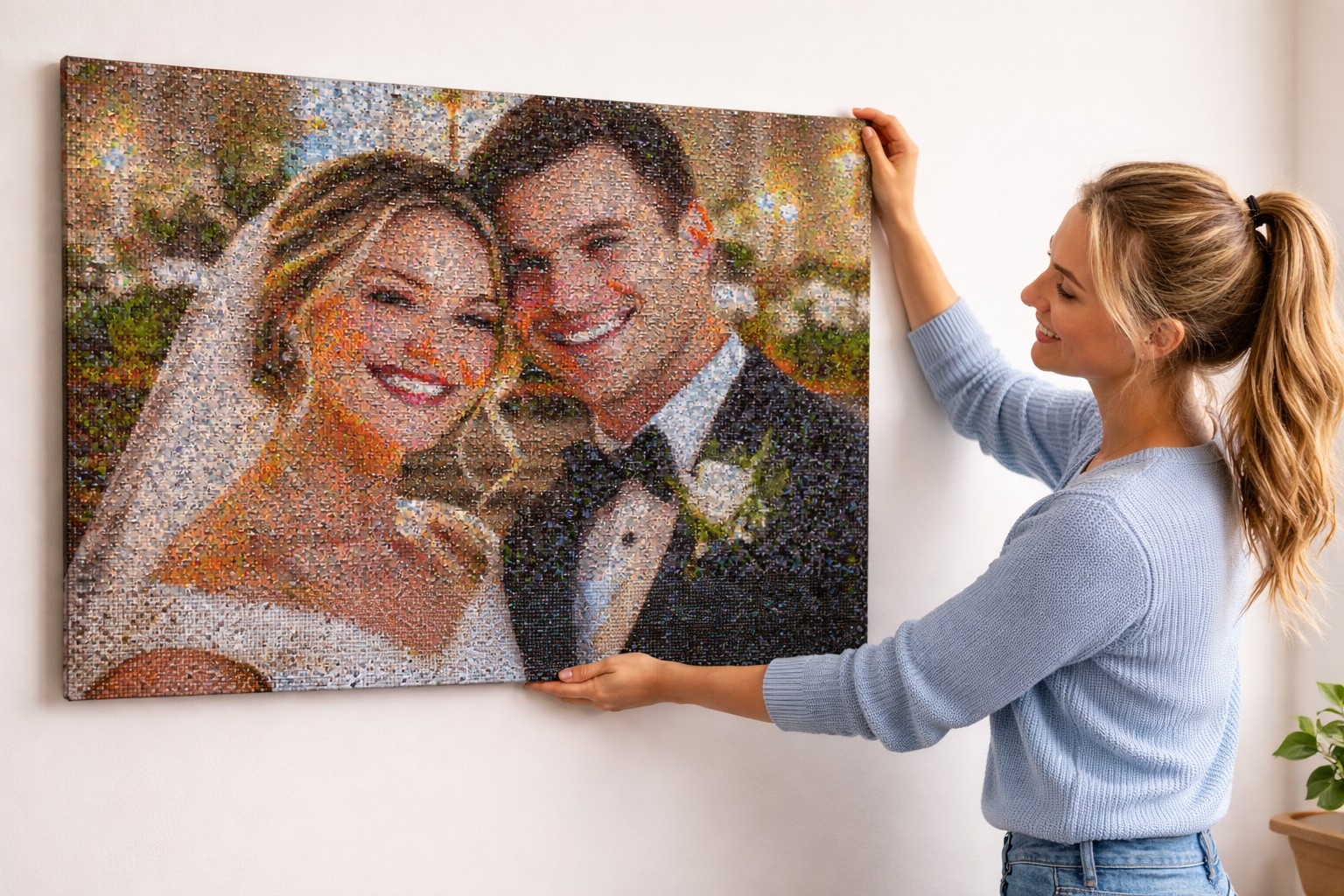
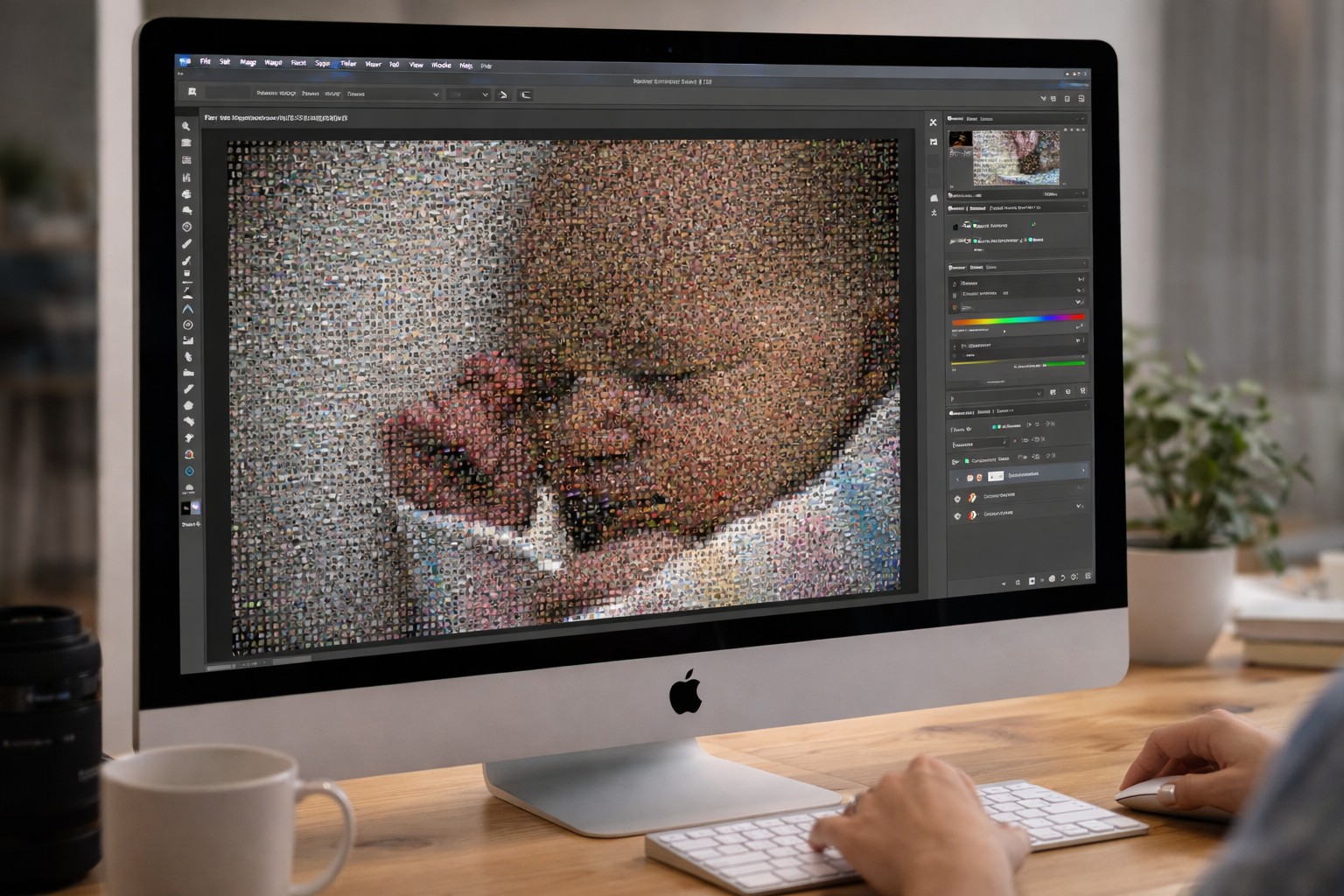
Create stunning photo mosaics on your PC. No subscriptions, no uploads, no AI scanning.
A photo mosaic is a large image made up of dozens — or thousands — of smaller photos arranged in a grid. From a distance you see the main portrait or scene; up close, every tile is its own distinct photograph. It's one of the most personal gifts you can give, and Photomosaica lets you create one entirely on your own computer.
| Photomosaica | Typical Online Tools |
|---|---|
| ✓ One-time purchase | ✗ Subscription fees |
| ✓ Works fully offline | ✗ Upload your photos to their servers |
| ✓ No AI or scanning | ✗ AI image analysis & data collection |
| ✓ Export & print anywhere | ✗ Limited printing options |
Unlike online mosaic tools, Photomosaica processes everything locally. There's no account to create, no photos to upload, and no third-party service watching your files.
Your family photos are private. Photomosaica keeps them that way.
Choose a main photo, load your tile library, and let Photomosaica arrange them into a stunning mosaic — all on your own PC. Export at print resolution and take it anywhere.
Common questions about creating photo mosaics with Photomosaica.
Is Photomosaica really offline?
Yes. The app runs entirely on your PC. No internet connection is required to create or export your photo mosaics.
Does it upload my photos?
No. Your photos never leave your computer. Photomosaica processes everything locally — no servers, no cloud storage, no accounts required.
Is this a subscription?
No. Photomosaica is a one-time purchase. Buy it once and keep it forever — no recurring fees.
Can I print anywhere?
Yes. Export your mosaic as a high resolution image and print at any print shop, photo lab, or at home. No restrictions.